Weather Radar for Running: Runner’s Guide to Live Weather Tracking
Finding the best weather radar for running is essential if you want to avoid getting caught in a sudden downpour during your outdoor workouts. Live Doppler radar offers real-time, hyperlocal rain tracking that traditional hourly forecasts miss. Read on to discover key radar features and how to plan perfectly timed, dry runs every time.
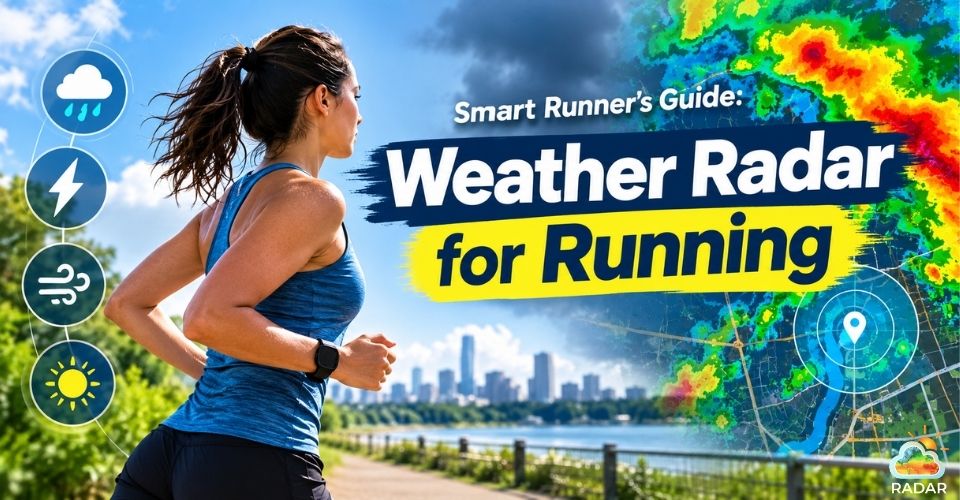
Weather radar for running
Why You Need a Weather Radar for Running
Relying on traditional weather apps often leads to ruined workouts because hourly estimates cannot capture micro-location weather shifts.
A rain cloud can easily dump heavy water over one street while leaving a park two miles away completely dry.
Incorporating a live weather radar into your pre-run routine gives you an instant, high-definition look at atmospheric conditions in real time.
Rather than trusting static percentages, you can watch storm cells develop, monitor shifting wind patterns, and calculate exact arrival times for incoming rain.
This hyperlocal precision allows you to time your start perfectly, avoid heavy downpours, and maintain your training consistency regardless of unpredictable skies.
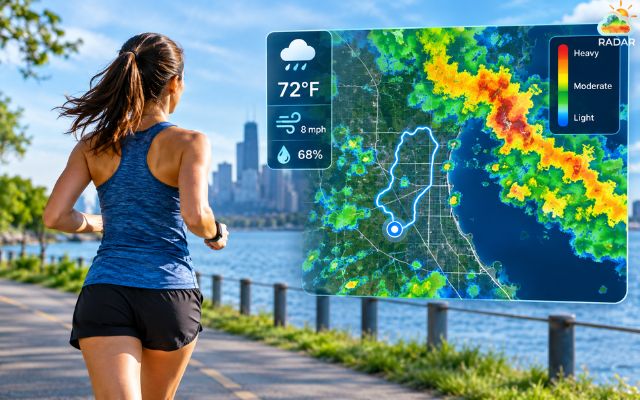
A live weather radar is crucial for any runner
Explore more weather radar applications here!
Features to Check in a Weather Radar for Running
To make the most of your training without getting caught off-guard, look for these essential features when choosing a tracking tool like GoWeatherRadar:
|
Essential Feature |
What It Does for Runners |
|
High-resolution Doppler radar |
Interactive, street-level maps that let you zoom in and track live rain movement along your exact route. |
|
Real-time updates |
Live data refreshed every few minutes from official networks so you get accurate, up-to-the-minute conditions. |
|
Multiple parameter overlays |
Easy toggles for key outdoor metrics like wind speed, gust direction, humidity, cloud coverage, and temperature. |
|
Global forecast models |
Integration with advanced models (like ECMWF) to spot shifting pressure zones and atmospheric trends ahead of time. |
|
Color scales & Custom units |
Clear color coding for rain intensity (light green drizzle to dark red downpour) with flexible units (°C/°F, mph, km/h). |
Why Use GoWeatherRadar for Running
GoWeatherRadar is designed to be lightweight, fast, and completely free, making it an ideal pre-run tool for runners.
Mobile apps often require heavy downloads, subscription paywalls, or cluttered menus. In contrast, GoWeatherRadar runs smoothly in any mobile web browser.
You can easily bookmark the site or add it to your phone screen for instant one-tap access before stepping out the door.
Powered by advanced global models like ECMWF alongside live radar updates, the platform delivers high-precision telemetry refreshed every few minutes.
You can zoom straight into your specific neighborhood, park, or running trail to see real-time atmospheric shifts.
With an ad-light, intuitive map layout, you get the exact weather data you need in seconds without wading through unnecessary fluff.
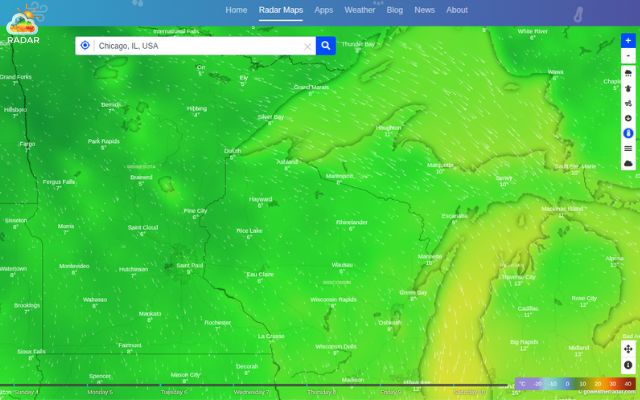
GoWeatherRadar is an ideal weather radar for running
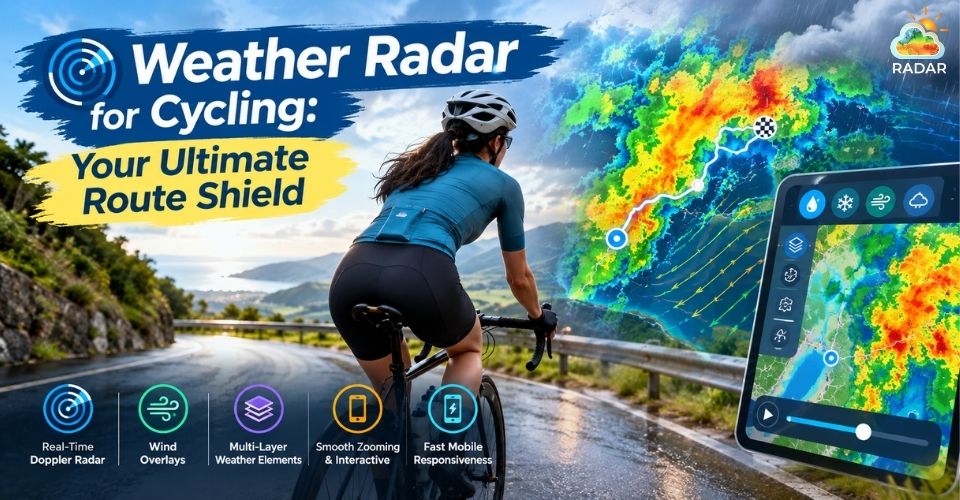
If you also spend time on two or four wheels, check out our dedicated guides for more
- Weather radar for cycling
- Weather radar for driving
How to Use GoWeatherRadar for Runners
To get the most out of GoWeatherRadar before heading out for a run, follow these simple steps to stay dry and optimize your training:
-
Pinpoint Your Route with GPS
Open GoWeatherRadar Radar Map and enable location services, or use the search bar to locate your city or exact running neighborhood.
Zoom in to street level to inspect your planned route.
-
Track Live Rain Movement
Select the Rain / Precipitation layer from the top-right menu.
Use the interactive timeline slider at the bottom of the map to scrub through past radar loops and upcoming forecasts.
Dragging the slider allows you to observe storm cell movement, estimate rain speed, and spot clear running windows over the next 30 to 60 minutes.
-
Decode Precipitation Severity
Use the on-screen color key to gauge rainfall intensity.
Light green or blue echoes mean light drizzle that you can easily run through.
Yellow, orange, or red patches signal moderate to heavy downpours, warning you to delay your run or change direction.
-
Check Wind and Temperature Layers
Toggle the Wind layer to see live wind speed and gust direction.
Plan your run so you push into a headwind during the first half and enjoy a supportive tailwind on your way back.
Check temperature and humidity layers to fine-tune your clothing choices and hydration strategy.
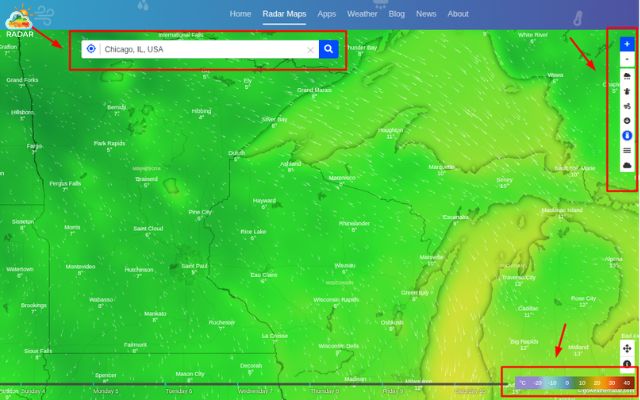
Easily track live weather with GoWeatherRadar before running
Final Words
Using a reliable weather radar for running is the best way to protect your training schedule from unpredictable weather. By tracking real-time rainfall, wind patterns, and storm movements, you can comfortably time every outdoor session. Bookmark GoWeatherRadar today for instant, hyperlocal updates so you can focus on hitting your personal bests completely dry.


0 Comments
Leave a Comment
Your email address will not be published. Required fields are marked *