How to Track a Storm on Radar: Step-by-Step Guide | GoWeatherRadar
A storm on radar can reveal approaching rain, thunderstorms, and potential weather hazards before conditions worsen. With GoWeatherRadar, you can explore weather layers, track precipitation patterns, and check forecast data for your area. Read this guide to learn how to interpret radar colors, monitor storm movement, and follow essential safety tips when severe weather approaches.
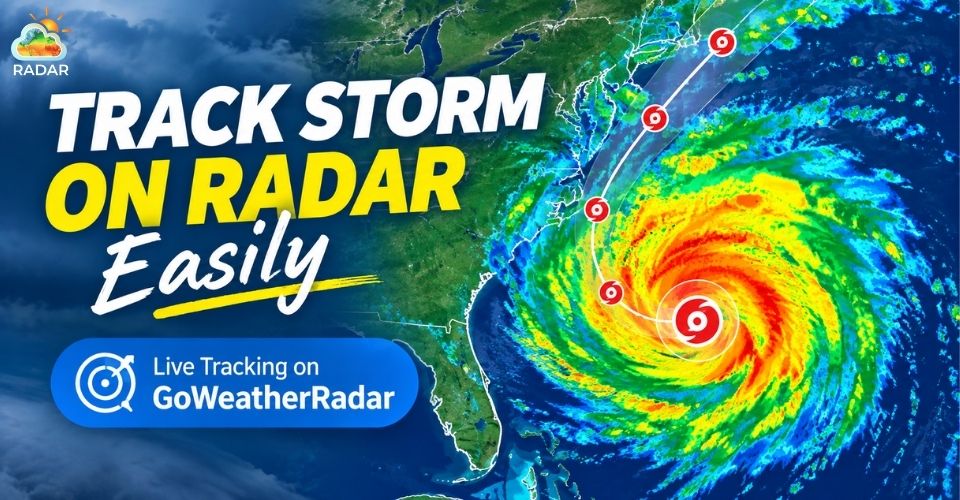
Storm on radar
Storm on Radar: How Live Radar Tracking Works
A storm on radar shows where precipitation is occurring and how weather systems are changing over time.
Weather radar sends out short pulses of radio waves and measures the energy reflected by raindrops, snowflakes, and hailstones.
The returned signals help meteorologists locate precipitation and assess its intensity using radar reflectivity, measured in decibels of reflectivity (dBZ).
Higher values generally indicate stronger echoes, but they do not always mean more dangerous weather.
Unlike traditional weather forecasts, which use computer models to estimate future conditions, live radar imagery helps track recent precipitation patterns and storm movement.
However, radar observations alone cannot predict every hazard or guarantee a storm's future path.
Read more: Weather forecast and radar map
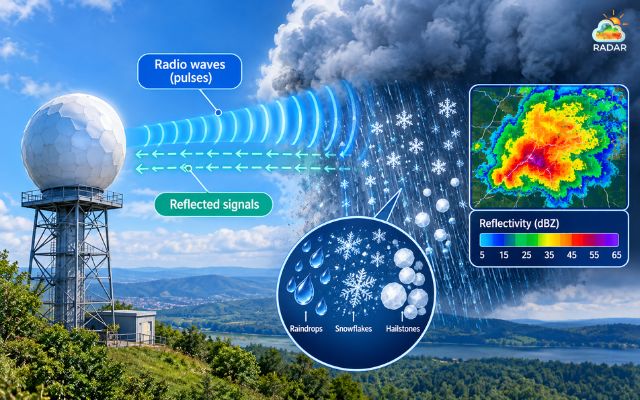
Weather radar measures the energy reflected by raindrops, snowflakes, and hailstones
How to Track a Storm on GoWeatherRadar
With GoWeatherRadar, you can explore weather layers, adjust map settings, and check forecast data from the ECMWF 9 km model.
Follow these steps to track approaching storms and assess potential weather risks.
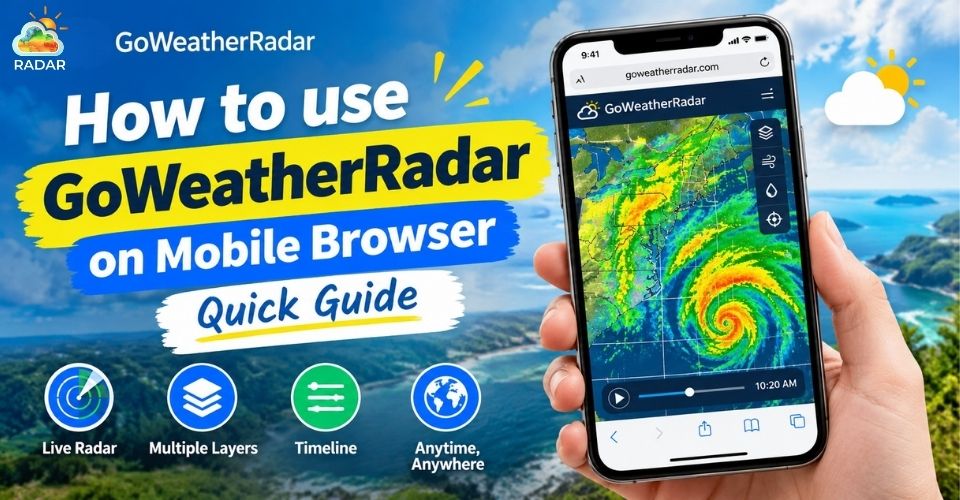
Still new to GoWeatherRadar? Check out our full guide on How to use GoWeatherRadar!
Step 1: Open the Map and Find Your Location
Open GoWeatherRadar in your browser.
Use the location icon, if available, to identify your current area, or search for a city to view local weather conditions.
Zoom in or out to examine nearby precipitation and its distance from your location.
Step 2: Select the Rain Layer and Adjust Map Settings
Open the map settings and select the Rain layer to view precipitation information. GoWeatherRadar also provides layers for wind, temperature, snow, and pressure. Adjust the map view to examine weather patterns around your area.
Check the displayed legend to understand the units and intensity levels.
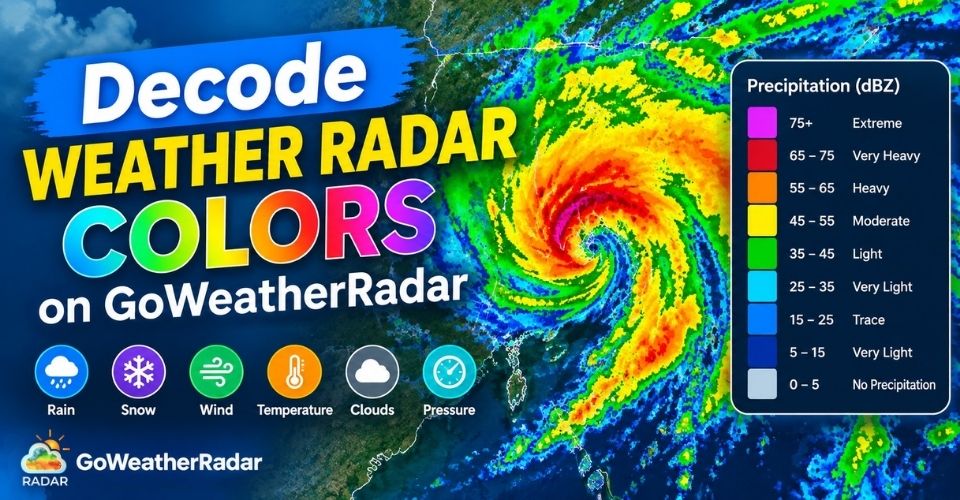
Step 3: Read Radar Colors to Estimate Storm Intensity
Use the map's color legend to interpret precipitation levels. Different colors represent different ranges, depending on the selected layer and its scale.
-
Dark Purple / Slate: Indicates minimal precipitation or very light drizzle (below 5 mm).
-
Blue / Teal: Represents light to moderate rainfall, typically around 5–10 mm.
-
Green / Emerald: Signals heavier rainfall, with estimated amounts of 20–40 mm.
-
Pink: May indicate extremely intense precipitation or torrential rainfall. (above 1m)
Check the color legend rather than relying on universal color assumptions.
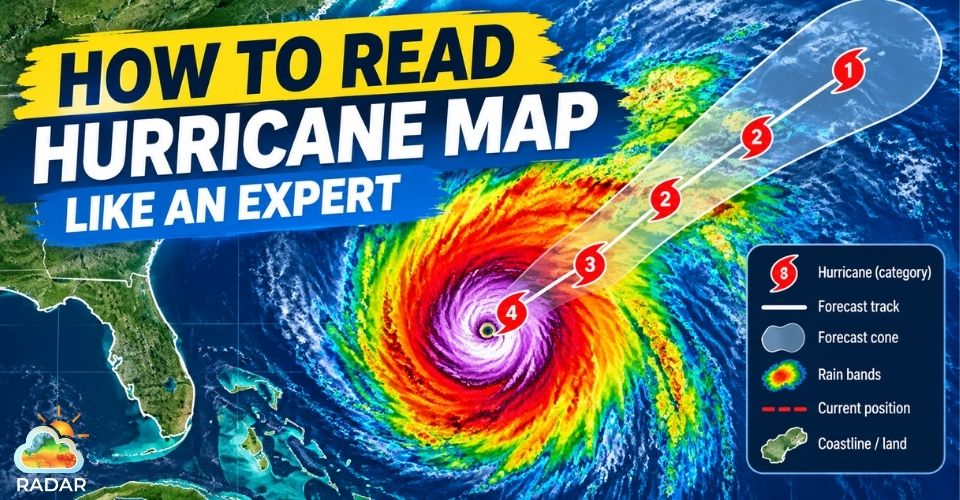
Continue reading: How to read hurricane map
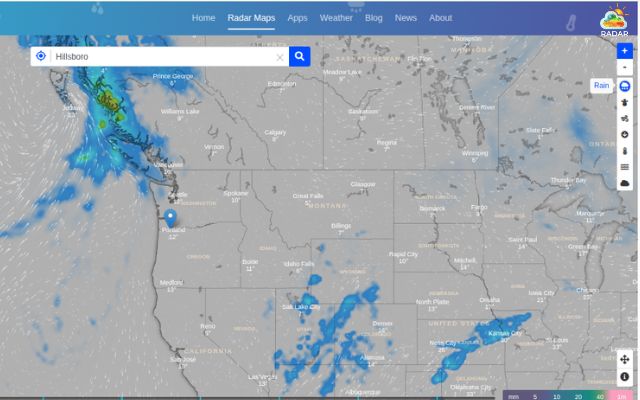
Choose the rain layer on the right sidebar
Step 4: Identify Potentially Dangerous Storm Patterns
Look for organized precipitation bands, curved storm lines, or concentrated areas of intense echoes. These patterns can help you recognize developing or organized storm systems.
However, identifying features such as bow echoes or hook echoes requires suitable radar imagery and meteorological context.
Note: Always check official weather alerts before drawing conclusions about severe hazards.
Step 5: Monitor Storm Movement and Forecast Conditions
Compare weather patterns over time to understand whether precipitation is approaching or moving away from your location.
GoWeatherRadar displays forecast information from the ECMWF 9 km model, with a stated update interval of approximately 12–13 hours.
This is forecast-model data, not a guarantee of a storm's exact path over the next 30–60 minutes.
Step 6: Check Wind and Other Weather Data
Switch between available layers to explore wind speed, temperature, and pressure alongside precipitation.
Wind information can provide additional context about potentially hazardous conditions, while pressure helps you understand the broader weather pattern.
For severe thunderstorm or tornado risks, prioritize warnings and guidance from the National Weather Service (NWS) and local authorities.
Important: GoWeatherRadar helps you explore weather conditions and forecasts, but radar colors and model predictions cannot replace official severe weather warnings. Stay alert to local updates and move to a safe shelter when dangerous weather threatens.
Essential Storm Safety Tips When Thunderstorms Approach
Tracking a storm on radar can help you monitor changing weather conditions, but knowing how to respond to approaching thunderstorms is equally important.
Follow these safety tips to reduce risks from lightning, strong winds, and heavy rain.
-
Seek shelter early: Move into a sturdy, enclosed building or a hard-topped vehicle when thunderstorms approach. If you hear thunder, go indoors immediately.
-
Stay away from windows: During severe thunderstorms, move to an interior room and keep away from windows to reduce the risk of injury from broken glass or flying debris.
-
Avoid exposed areas: Stay away from open fields, isolated trees, bodies of water, and metal objects during lightning activity. No outdoor location is completely safe from lightning.
-
Monitor official weather alerts: Check the National Weather Service (NWS), NOAA resources, and local emergency notifications for severe thunderstorm warnings and safety instructions.
-
Keep tracking weather conditions: Use GoWeatherRadar to monitor available radar layers and precipitation patterns. However, never rely on radar alone to determine whether it is safe to remain outdoors.
-
Wait before going outside again: Remain in a safe shelter for at least 30 minutes after the last sound of thunder before resuming outdoor activities.
Remember: Your safety comes first. Follow official warnings and seek shelter immediately when thunderstorms threaten, even if heavy rain has not started yet.
Stay safe when the storm is approaching
Sum up
Tracking a storm on radar helps you monitor precipitation, follow storm movement, and recognize potential weather hazards. With GoWeatherRadar, you can explore available weather layers and check forecast conditions around your location. For safer decisions, combine radar observations with official weather alerts and follow recommended safety precautions when thunderstorms approach.


0 Comments
Leave a Comment
Your email address will not be published. Required fields are marked *