Decode Weather Radar Colors and Learn How To Read Them on GoWeatherRadar
Ever wondered what green, yellow, or red means on a weather map? Weather radar colors help you spot changing conditions and understand weather patterns in minutes. With GoWeatherRadar, you can explore different weather layers and learn how to interpret their color scales. Read on to make better-informed decisions about your daily plans!
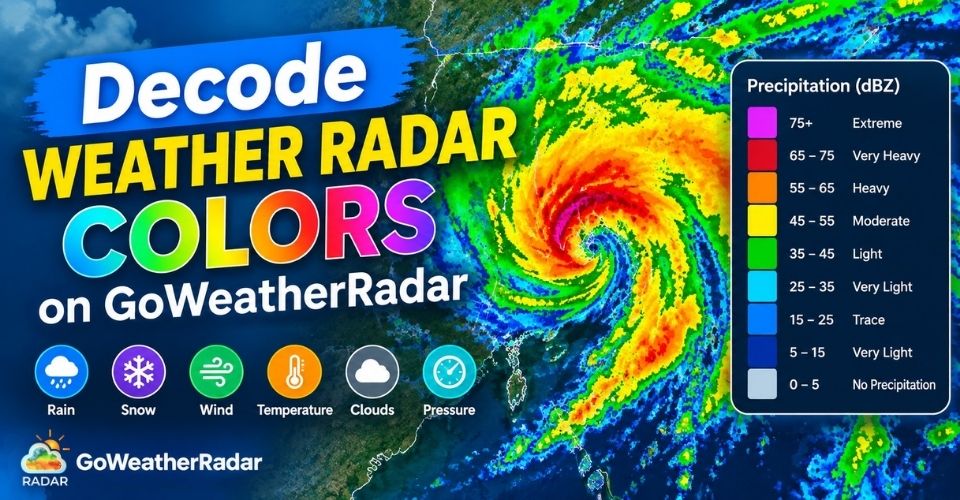
Decode weather radar colors
Understanding Weather Radar Colors and Reflectivity
Weather radar colors help you identify weather conditions at a glance.
On GoWeatherRadar, different color scales represent rain, temperature, wind, snow, clouds, and atmospheric pressure.
Each layer uses its own scale, so understanding the legend is essential for accurate interpretation.
For precipitation maps, radar reflectivity measures the strength of signals returned when radar waves interact with raindrops, snowflakes, and other particles. It is commonly expressed in dBZ (decibels of Z).
Higher dBZ values generally indicate stronger radar returns and may suggest heavier precipitation, but they do not directly measure rainfall in millimeters or inches.
When reading GoWeatherRadar, always check the color legend and displayed units.
A color may represent different values across weather layers, so avoid interpreting colors without considering the selected layer and its data.
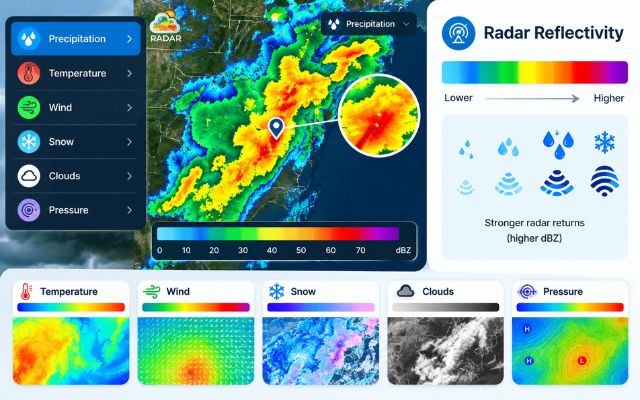
Weather radar colors are used to identify weather conditions
How to Read Weather Radar Colors on GoWeatherRadar
Now let’s decode weather radar colors on each weather layer on GoWeatherRadar!
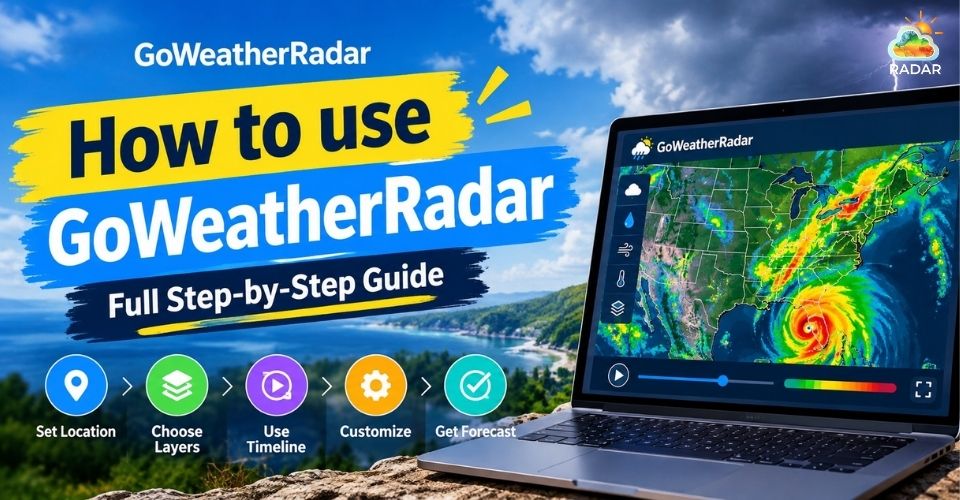
In case you’re new to GoWeatherRadar, check out our full guide How to use GoWeatherRadar.
1. Rain and Precipitation Layer
The Rain layer helps you identify precipitation areas and compare rainfall intensity.
In general, lighter colors indicate lighter precipitation, while warmer or darker colors can indicate heavier rain.
-
Dark Purple / Slate: Trace precipitation or very light drizzle (<5mm).
-
Blue / Teal: Light to moderate rainfall (5-10mm).
-
Green / Emerald Green: Heavy rain (20-40mm).
-
Pink: Extreme precipitation / torrential rain (1m).
Use the legend to check the actual precipitation values in millimeters or inches.
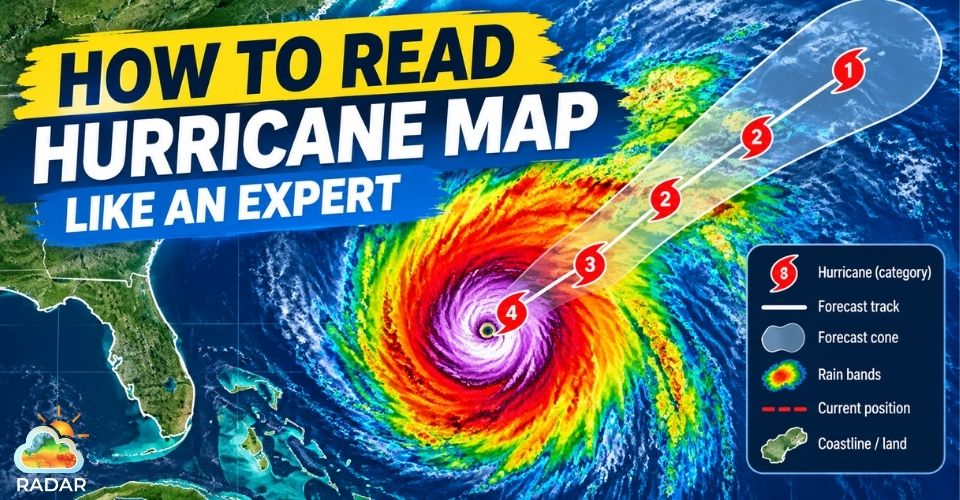
For additional guidance, see our guide on how to read a hurricane map.
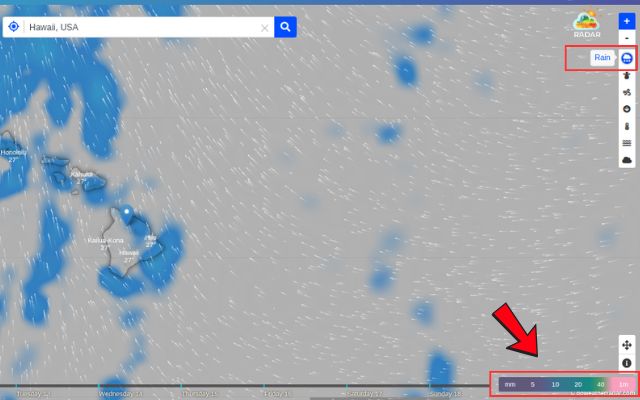
Identify precipitation patterns and compare rainfall intensity using the map color legend
2. Temperature Layer
The Temperature layer uses a color gradient to show how temperatures vary across different locations.
Cooler colors generally represent lower temperatures, while warmer colors represent higher temperatures.
-
Purple: Freezing temperatures and extreme cold (≤ - 20°C)
-
Teal / Cyan: Below freezing to freezing range (- 10°C to 0°C)
-
Green: Cool to mild weather (0°C to 10°C)
-
Yellow: Warm and comfortable temperature (10°C to 20°C)
-
Orange: Hot weather (20°C to 30°C)
-
Red / Dark Red: Extreme heat or heatwave conditions (30°C to 40°C+)
Check the temperature scale to identify the exact values in °C or °F rather than relying on color alone.
Explore our live temperature radar guide for more details.
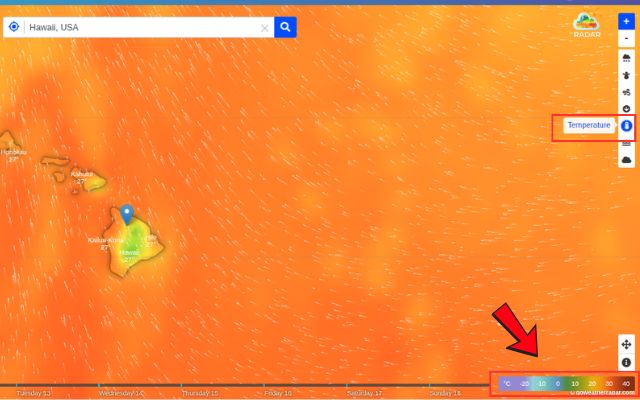
Read temperature patterns by color and compare warmer and cooler areas
3. Wind Layer
The Wind layer helps you compare wind speeds and identify areas with stronger airflow. GoWeatherRadar supports several wind speed units, including km/h, mph, knots, and m/s.
-
Blue: Calm to light breeze (0-3m/s).
-
Teal: Gentle breeze (3-5m/s).
-
Green: Moderate wind (5-10m/s).
-
Yellow / Ochre: Fresh to strong wind (10-15m/s).
-
Red / Magenta: Very strong wind / gale force (15-20m/s).
-
Purple / Slate Blue: Storm-force to hurricane-strength winds (30m/s).
Always check the legend for the corresponding wind speed. If animated wind patterns are displayed, use them to understand the general direction of airflow.
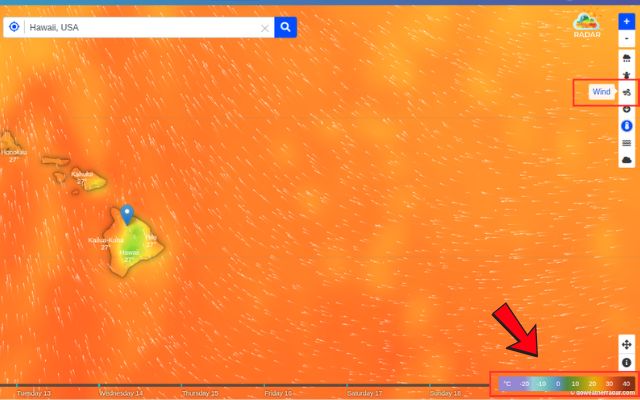
Explore wind speeds by the color legend
4. Snow Layer
The Snow layer shows snow-related conditions, including snow accumulation. Its color scale helps you compare the amount of snow across locations.
-
Purple / Indigo: Flurries or light snow accumulation (2cm).
-
Blue / Teal: Moderate snow accumulation (5-10cm).
-
Green / Yellow-Green: Heavy snowfall, significant accumulation (10-50cm).
-
Ochre / Brownish Red: Severe blizzard conditions / deep snow pack (1m).
-
Magenta / Dark Pink: Extreme snow accumulation (3m).
Read the legend carefully to determine whether the displayed values are in centimeters or inches. Also, remember that snow accumulation is different from snowfall intensity.
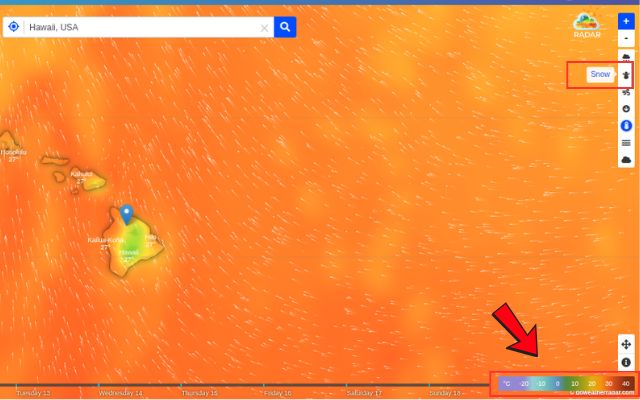
Compare snow-related conditions and accumulation color values across locations
5. Cloud Layer
The Cloud layer helps you identify areas with different levels of cloud cover. The colors and shading represent the data used by the selected layer.
-
Blue / Steel Blue: Thin cloud cover with low liquid water content (1.5-2mm).
-
Teal: Moderate cloud density (3mm).
-
Green: Thick cloud cover with potential light rain (7mm).
-
Yellow-Green / Ochre: Dense cloud cover, high probability of precipitation (10mm).
-
Dark Red / Magenta: Heavy thunderstorm clouds with maximum water content (20-30mm).
Use the displayed scale and compare nearby areas to understand the cloud distribution. Cloud cover alone does not confirm whether rain or thunderstorms will occur.
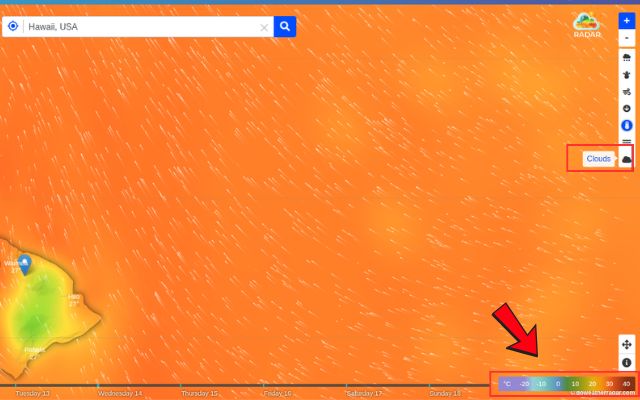
Examine cloud cover patterns by color across different areas
6. Pressure Layer
The Pressure layer shows atmospheric pressure across different locations. GoWeatherRadar provides pressure values in hPa, inHg, and mmHg.
-
Light Teal / Cyan: Deep low pressure area, high chance of severe weather, storms, or tropical depressions (990hPa).
-
Deep Teal: Low pressure system (1000hPa).
-
Dark Blue: Average atmospheric pressure, stable conditions (1010hPa).
-
Green / Yellow-Ochre: High pressure system (1020hPa).
-
Reddish Brown / Plum: Very high pressure system, typically bringing dry, clear, and fair weather (1030hPa).
Rather than assuming that a particular color always means high or low pressure, match the displayed colors to the pressure legend.
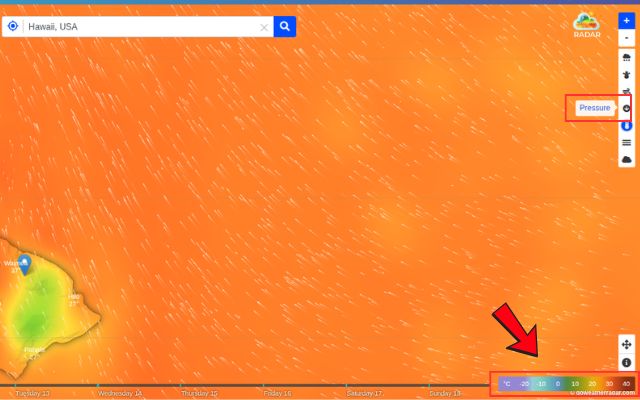
Use atmospheric pressure’s color scale to understand changing weather patterns
How to Use GoWeatherRadar Color Maps for Daily Planning
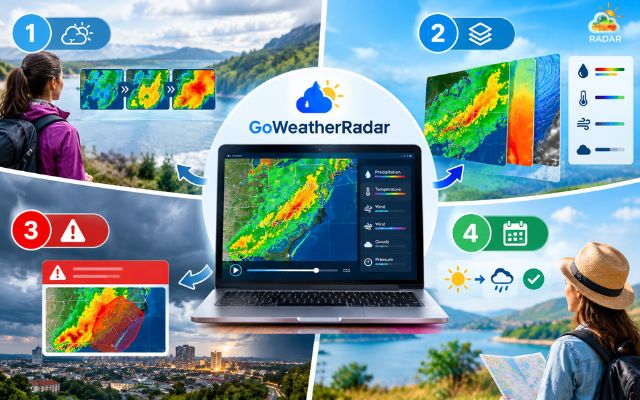
GoWeatherRadar helps you monitor weather conditions and make informed daily plans using interactive color maps.
Start by selecting a weather layer, such as Rain, Wind, or Temperature, and check the color legend to understand the displayed values.
For better results, follow these practical tips:
-
Track weather changes: Use the map’s timeline to examine forecast conditions over time and see how rain or snow patterns may change.
-
Compare weather layers: Check rainfall, wind speed, and temperature together to assess conditions before commuting or planning outdoor activities.
-
Check severe weather alerts: If the map shows intense precipitation or strong winds, consult official weather warnings before making decisions.
-
Adjust your plans: Consider postponing outdoor activities or changing your route when forecast conditions may affect safety.
Continue reading: Plan your day
Use GoWeatherRadar for daily planning
Bookmark GoWeatherRadar to check weather patterns and forecast updates whenever you need them.
Final Words
Understanding weather radar colors helps you interpret changing conditions, from rainfall intensity to wind and temperature patterns. With GoWeatherRadar, you can explore interactive weather layers, check their legends, and monitor conditions before heading out. Visit GoWeatherRadar to track weather patterns and make better-informed decisions for your daily plans.


0 Comments
Leave a Comment
Your email address will not be published. Required fields are marked *